AI engineering · 3 min read
Speech to text on an iPhone, offline, built with an AI agent in 6 steps
- speech engines
- 3
- work offline
- 2 of 3
- automated tests
- 146
- tickets, one plan
- 37
Record a meeting, lock your phone, and read it as text without internet. Three speech engines behind one switch, and the 6 step method that kept an AI coding agent on track while it built the app.
 Ken Ruiz Inoue · October 2026
Record, lock, read
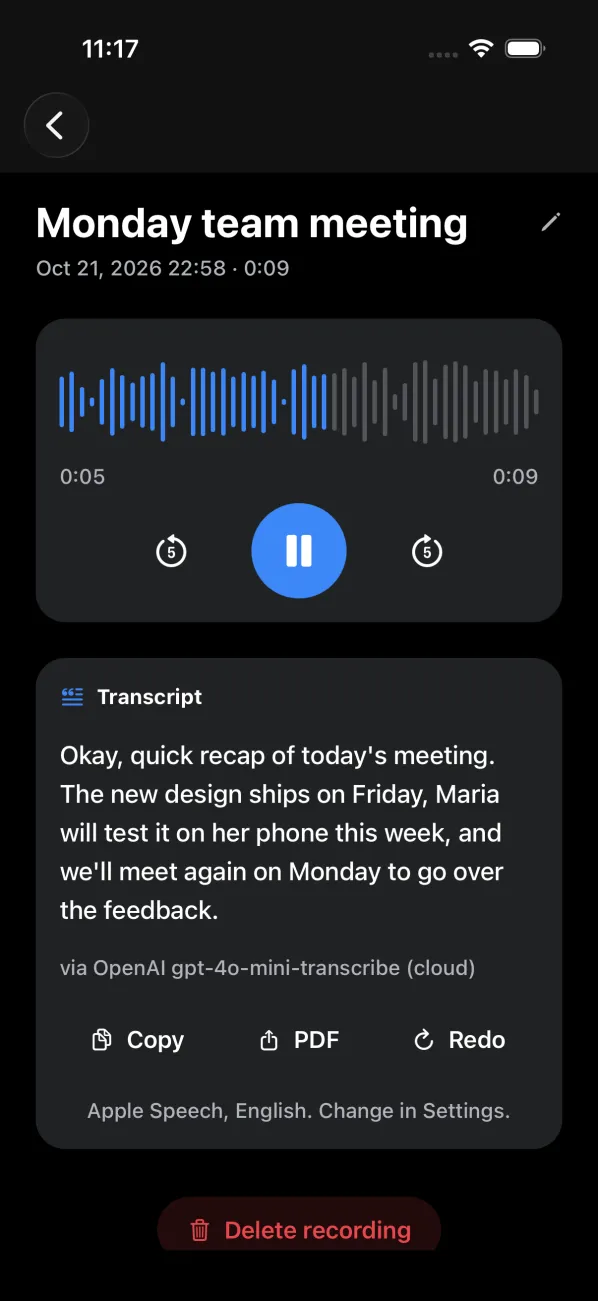
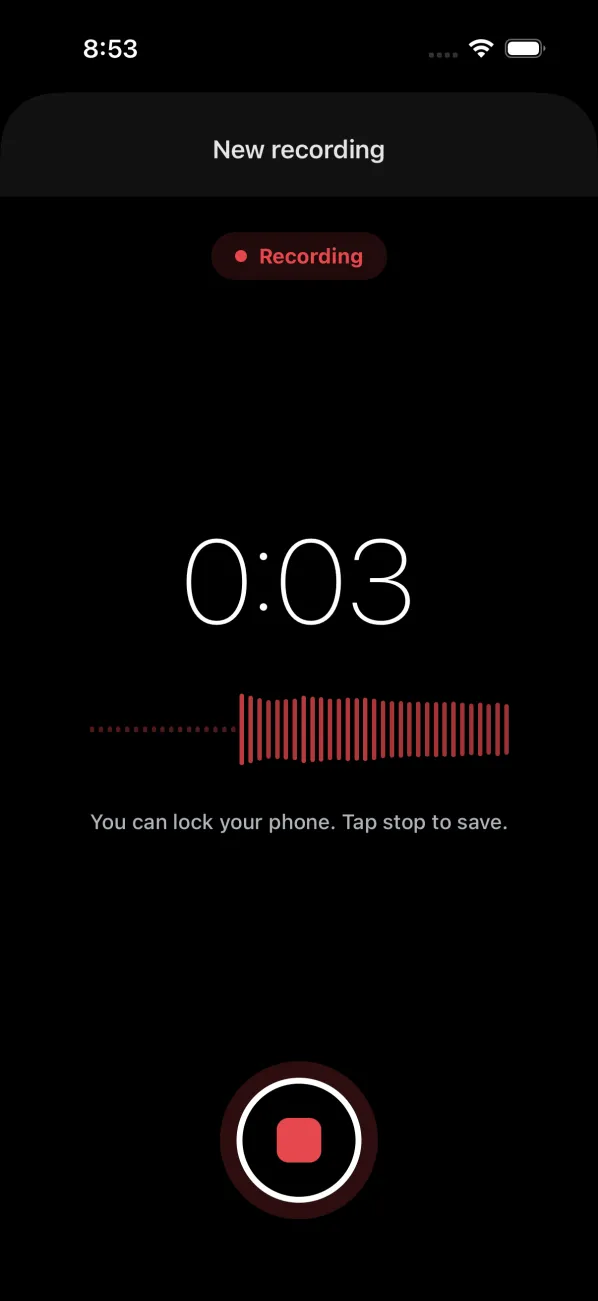
Another Transformer records a meeting, a class or a voice note, and keeps recording with the phone locked. Then it turns the recording into text you can copy or save as a PDF, in English, Spanish or Japanese. Two of its three speech engines run on the phone, so it works with no internet and the audio never has to leave the device.
Three engines behind one switch
You pick the engine in Settings. Every engine sits behind the same small interface, so the screens never know which one wrote the text, and adding a fourth would touch one folder.
- Built into iOS
Default engine
Apple Speech
Free and offline. The app forces it to stay on the phone.
- Pretrained, used as is
Best offline quality
Whisper base
OpenAI's open model, 74M parameters, a one-time 148 MB download.
- Cloud API
Cloud option
gpt-4o-mini-transcribe
Uses your own OpenAI key. A build without a key never sends audio out.
If one cannot run, the next one takes over
An engine can be missing: Whisper before its download, OpenAI without a key, Apple Speech where on-device recognition is not available. The app then tries the next one, and the transcript says which engine wrote it.
- 1
Apple Speech
Text? DoneThe engine picked in Settings goes first.
- 2
Whisper
Text? DoneNext, if its model is downloaded.
- 3
OpenAI
Last stepLast, if the build has a key. A stalled request gives up after 30 seconds.
The text shows which engine wrote it, so a silent fallback never hides a broken engine.
Built with an AI agent, in 6 steps
Claude Code wrote almost all of the code, 23 tickets on the first day. Speed was never the hard part. What kept it on track was the method around it: rules it reads first, questions answered before any code, a plan of small tickets that each say what done means, tests written before the code, an audit at the end of every phase, and my approval at every step.
Rules first
Questions
Small tickets
Test first
Audit
Approve
Where it stands
36 of the 37 tickets are done and 146 automated tests pass on every change. The last ticket is a round of checks on a real iPhone, because the phone keeps finding things the tests cannot see.
37
tickets in 11 phases
23
tickets on day 1
146
tests, run on every change
0
secret keys in git
The point
An AI agent makes building fast, so the work moves to the guardrails: rules it reads every time, small tickets with a clear definition of done, tests before code, and a human yes before anything ships. The same method works for any app an agent builds, not only this one.